What You'll Need
Before diving in, ensure you have the following:
Step 1: Choose Your Device
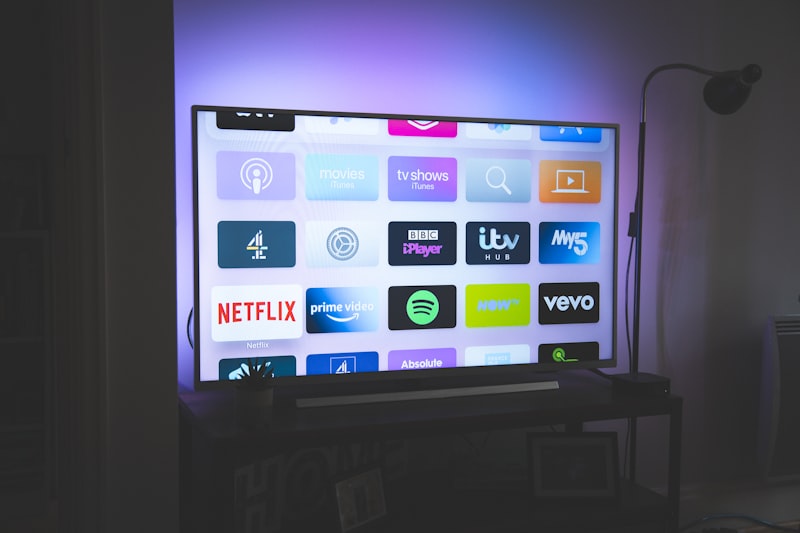
The most popular devices for IPTV include Amazon Fire TV Stick for its affordability and ease of use, Android TV boxes for power and flexibility, Smart TVs with built-in apps, and smartphones/tablets for portable viewing.
Step 2: Install an IPTV App
Download an IPTV player app on your device. Popular options include IPTV Smarters Pro available on most platforms, TiviMate for Android devices, Smart IPTV for Samsung and LG TVs, and VLC Media Player for computers.
Step 3: Enter Your Credentials
Your IPTV provider will give you login details, typically including a server URL, username, and password. Enter these in your chosen app following the on-screen instructions.
Step 4: Load Your Channels
Once connected, your app will download the channel list and EPG (Electronic Program Guide). This may take a few minutes depending on the number of channels.
Step 5: Start Watching
Navigate through categories, set up favorites, and enjoy your content. Most apps remember your preferences, making future sessions even smoother.
Troubleshooting Tips
If you experience buffering, try switching to a lower quality stream or check your internet speed. Restart your device and app if channels won't load. Contact your provider if issues persist.